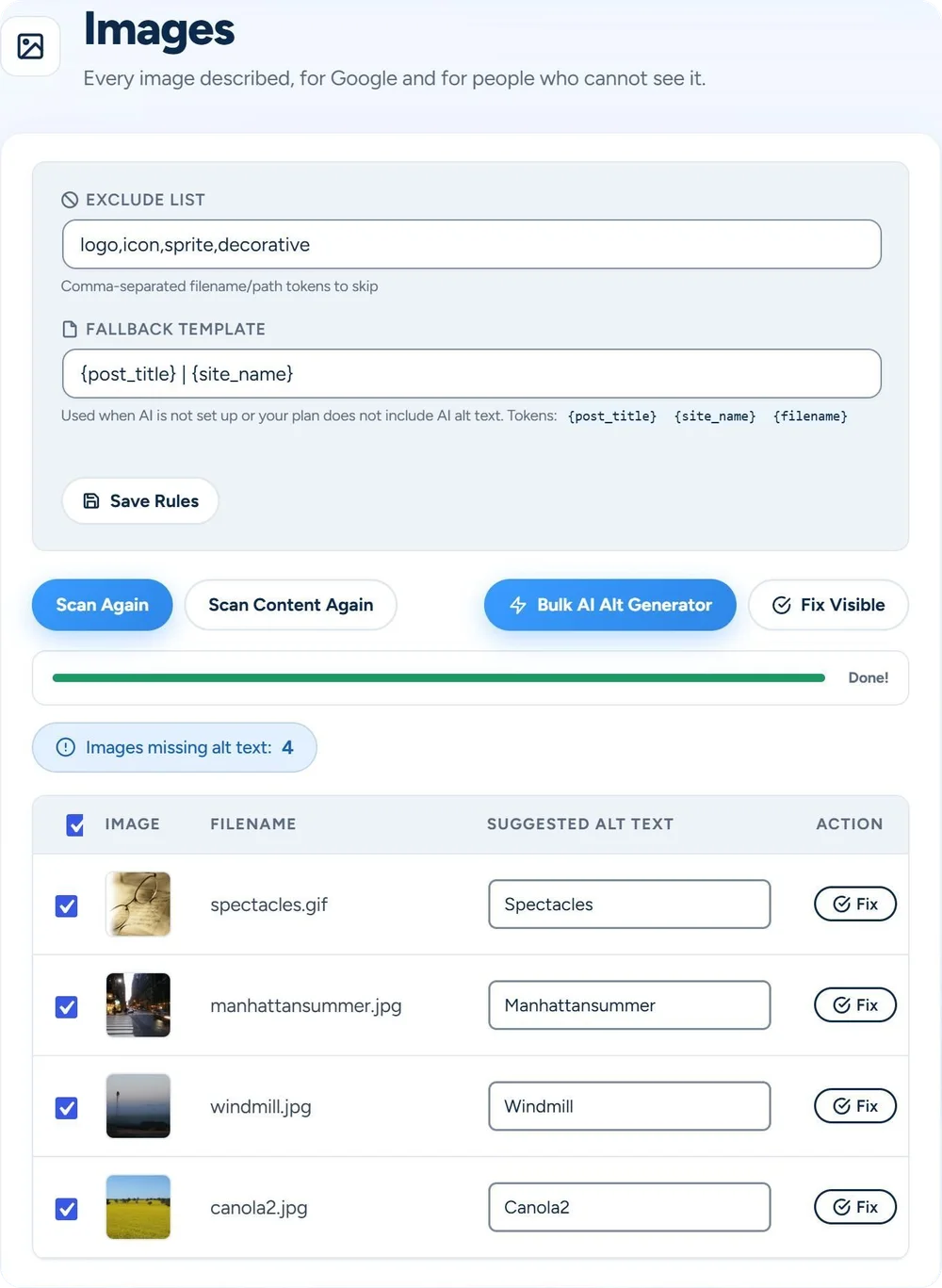
The Images screen scans your media library and the pictures in your posts and pages, and lists the ones without alt text. On Basic, your AI fills them all in one run. It reads the file name and, for an image in a post, the words around it. It never sees the image itself. Without AI, the file name or your template fills them in, for free.
Describing images is nobody’s favorite job, so on many sites a lot of them have no alt text. A screen reader then has nothing to say about the picture, and Google gets no words for what it shows.
Your media library, and the images inside your posts and pages.
On Basic, the Bulk AI Alt Generator writes them all. Leave the screen if you like: Home shows how far it is.
Only empty alt text gets filled. An image that got alt text in the meantime is skipped.
Logo, icon, sprite and decorative are on the exclude list. Add your own.
Scan Post Content finds the images in your posts and pages that have no alt text. The AI reads the post title and the words around each one.
Scan the media library, then fill them in one run. A clear file name gives the AI the most to go on.
Scan before you hand a site over. The exclude list keeps logos and icons out, and the to-do list on Home counts the images in the media library that still have none.
No. It reads text only. In Images: the file name, title and address of the image, and for an image in a post, the post title, its opening words and the words around the image. On upload: the file name, and the title, focus keyword and opening of the post you upload it to. The picture itself never goes to the AI, so a clear file name helps.
Scanning, the exclude list, suggestions from the file name and the fallback template work without a plan. Basic adds your AI: the Bulk AI Alt Generator writes alt text for the images on the list in one run, and your AI can write it for new uploads. Pro and Agency include the same. You connect your own AI key.
No. It only fills images whose alt text is empty. If an image gets alt text while a run goes on, the run skips it. Names on your exclude list, such as logo and icon, stay out of every scan.
Yes. A suggestion from the file name sits in a text field, so you can change it before you save it with Fix. What the AI writes goes straight in, and the run ends with how many it wrote, skipped or could not do. It’s plain WordPress alt text: read it and change it in the media library or in the post.
Yes. Under Settings, General, the choice Alt text for new images decides what a new upload gets. From the file name is the default and works without a plan: red-bike.jpg gets “Red bike”, and a camera name such as IMG_2034 gets none. On Basic, choose Written by AI and your AI writes it shortly after the upload, from the file name and the post the image is in. While AI isn’t available, the file name is used. Off leaves new images without alt text.
Yes. Product photos live in your media library, and Scan Media Library finds the ones without alt text. Scan Post Content looks inside posts and pages only. A post behind a password is skipped, so its text never goes to the AI.
Let it fill in what’s missing. You check. It types.
Get started →
